
Presentation generator
Turns outlines, spreadsheets and reports into PowerPoint presentations in your company's look, ready to edit.
from US$ 450
BetaDemogif
Records a browser walkthrough script and delivers the demo GIF or MP4, with a visible cursor and always identical. Screen changed? Run it again.
Beta: in use with the first customers, with close follow-up on every adjustment.
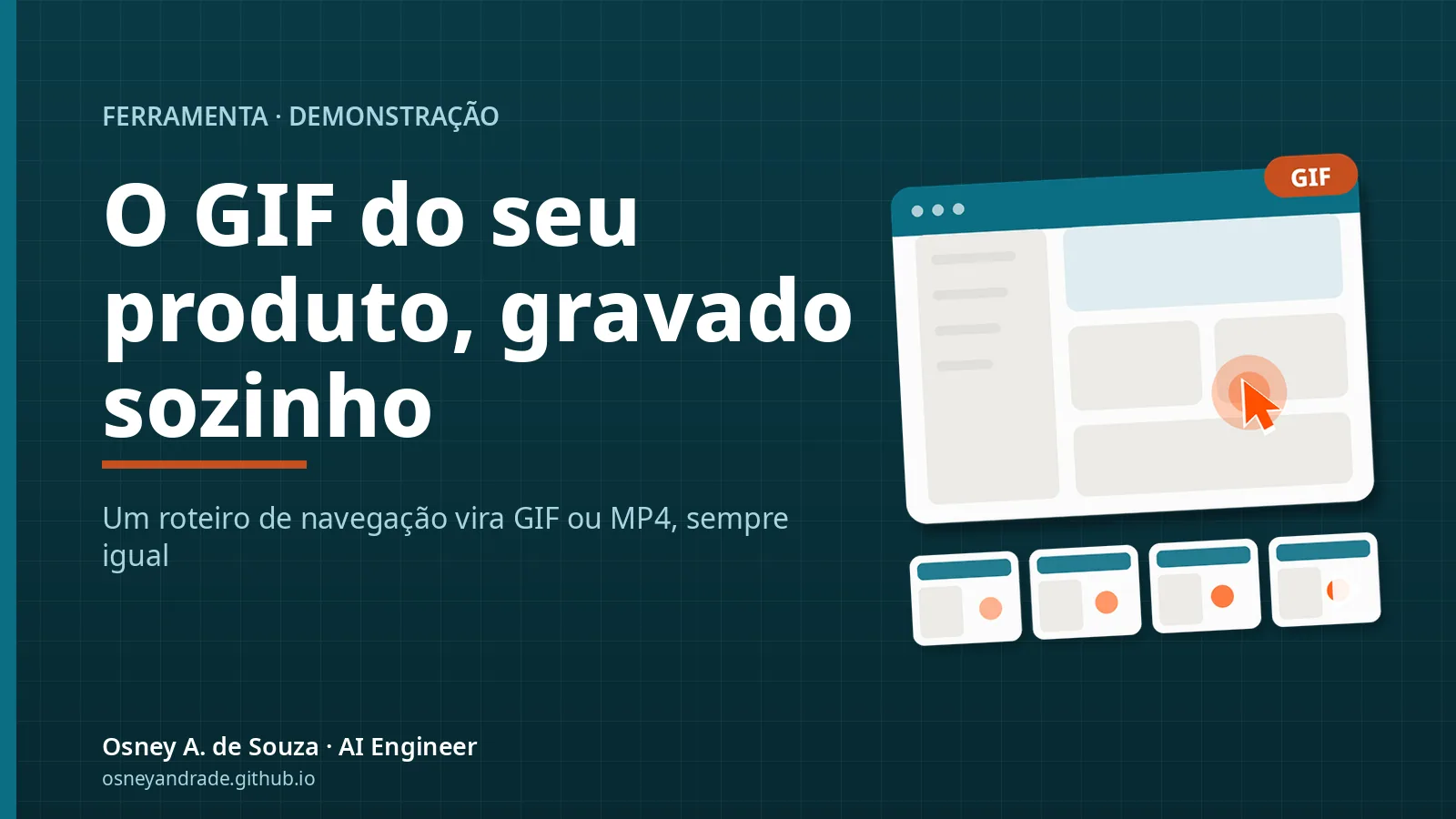
Records a browser walkthrough script and delivers the demo GIF or MP4, with a visible cursor and always identical. Screen changed? Run it again. Built for software teams that show the product in READMEs and release notes, startups that need demos for the landing page and trainers and documentation writers who redo the same walkthrough often. It is in beta and open to new customers; pricing is quoted on request.
Every product needs a GIF for the README, the release notes and the sales page. Recording by hand means retakes, a missing cursor, an oversized file, and doing it all again on the next release.
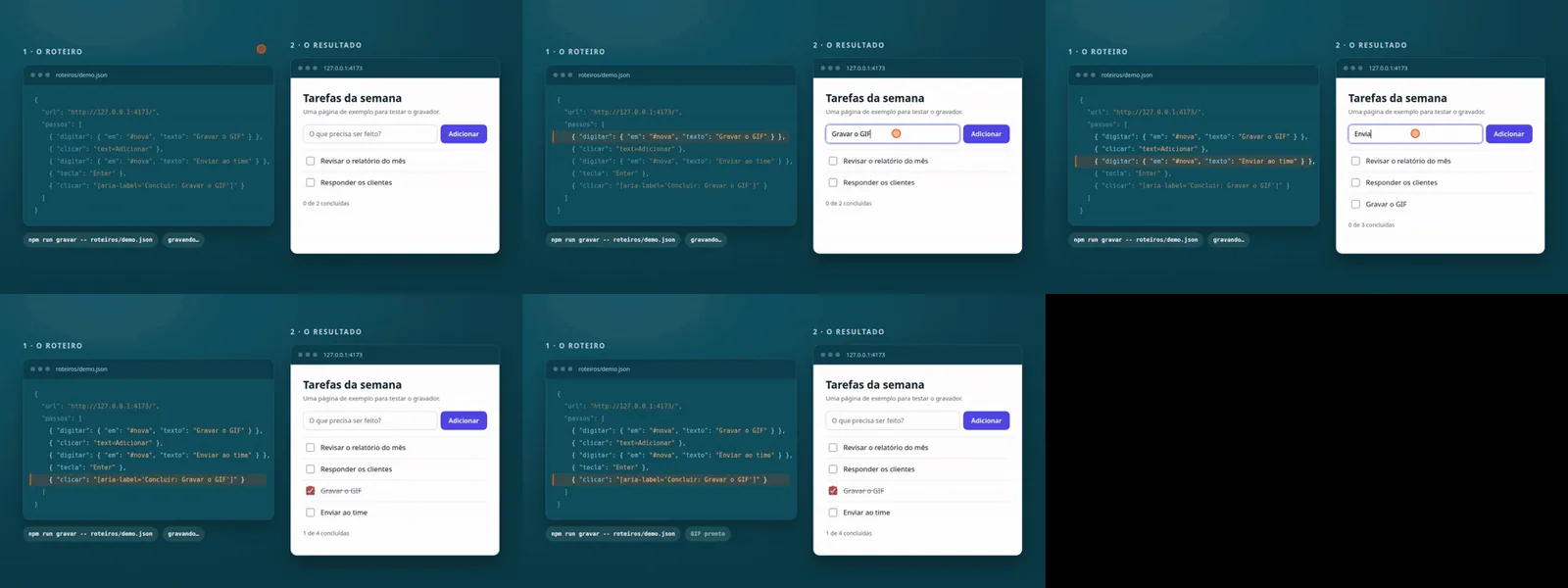
You write the script once, in JSON or in code. Demogif drives Chrome, draws the cursor, measures the real timing of every frame and builds the GIF (and the MP4) with an optimized palette, plus a contact sheet so you can check the result without opening the file. You run it, it comes out the same.
List the steps in a JSON file: open, click, type, scroll, wait.
Demogif drives Chrome on your machine and records every frame with its real timing.
You receive the GIF, the MP4 and a contact sheet to check it at a glance.
The screen changed? Run the same script again.
Repeatable. The same script gives the same demo on every release.
Light files. An optimized palette keeps the GIF sharp and small, and the MP4 is there for long clips.
Checkable. A contact sheet shows the result at a glance.

Price
Custom quote
The price depends on scope and is agreed in writing after a free assessment.
Billing: recorder license.
Pricing is quoted on request, based on scope. Get in touch to receive a proposal.
Not for the basics: a script can be a JSON file with steps like click, type and scroll. Code scripts exist for advanced cases.
No. Demogif runs locally, with Node, Chrome and ffmpeg, and sends nothing to any service.
Yes. You sign in once and the session stays only on your machine, in a file you should treat like a password. The password itself is never stored.
No. It records the browser. Audio and other applications are out of scope.
Who builds it
AI engineer · Joinville, Brazil
Five years of software development and AI systems in production. The person who handles your project is the one who designs it and writes the code.
Beta
Tell us which report or process you want to automate. You'll get the next steps and a setup proposal.
Tell us about the process, the rough volume and the systems involved. You'll hear back from the engineer who would build it.
Turns outlines, spreadsheets and reports into PowerPoint presentations in your company's look, ready to edit.
from US$ 450
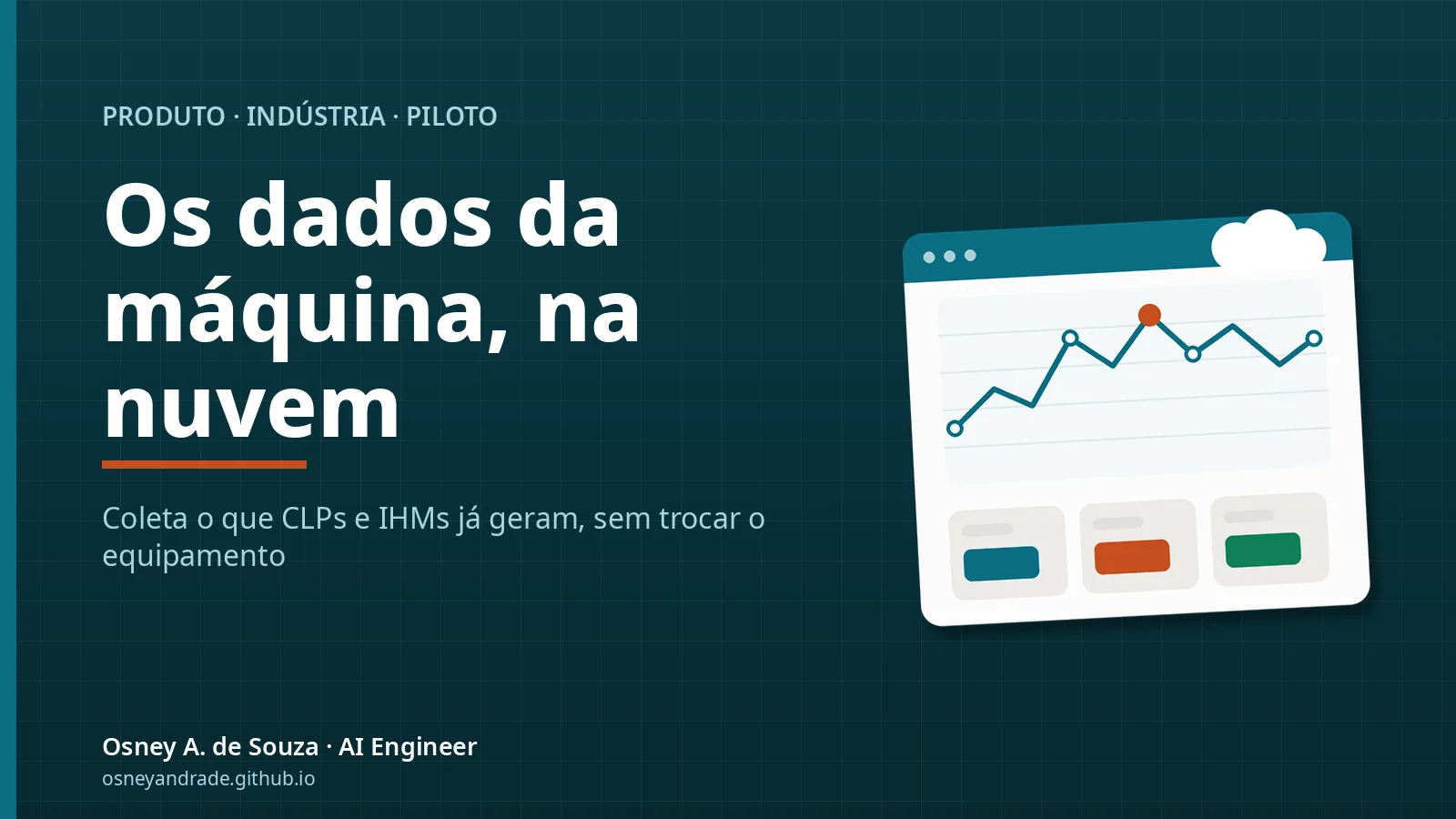
Automatic collection of the logs PLCs and HMIs already produce, sent to a cloud database with a production dashboard, without new equipment. It's in a pilot program: the first deployments are closely accompanied.
from US$ 1,200
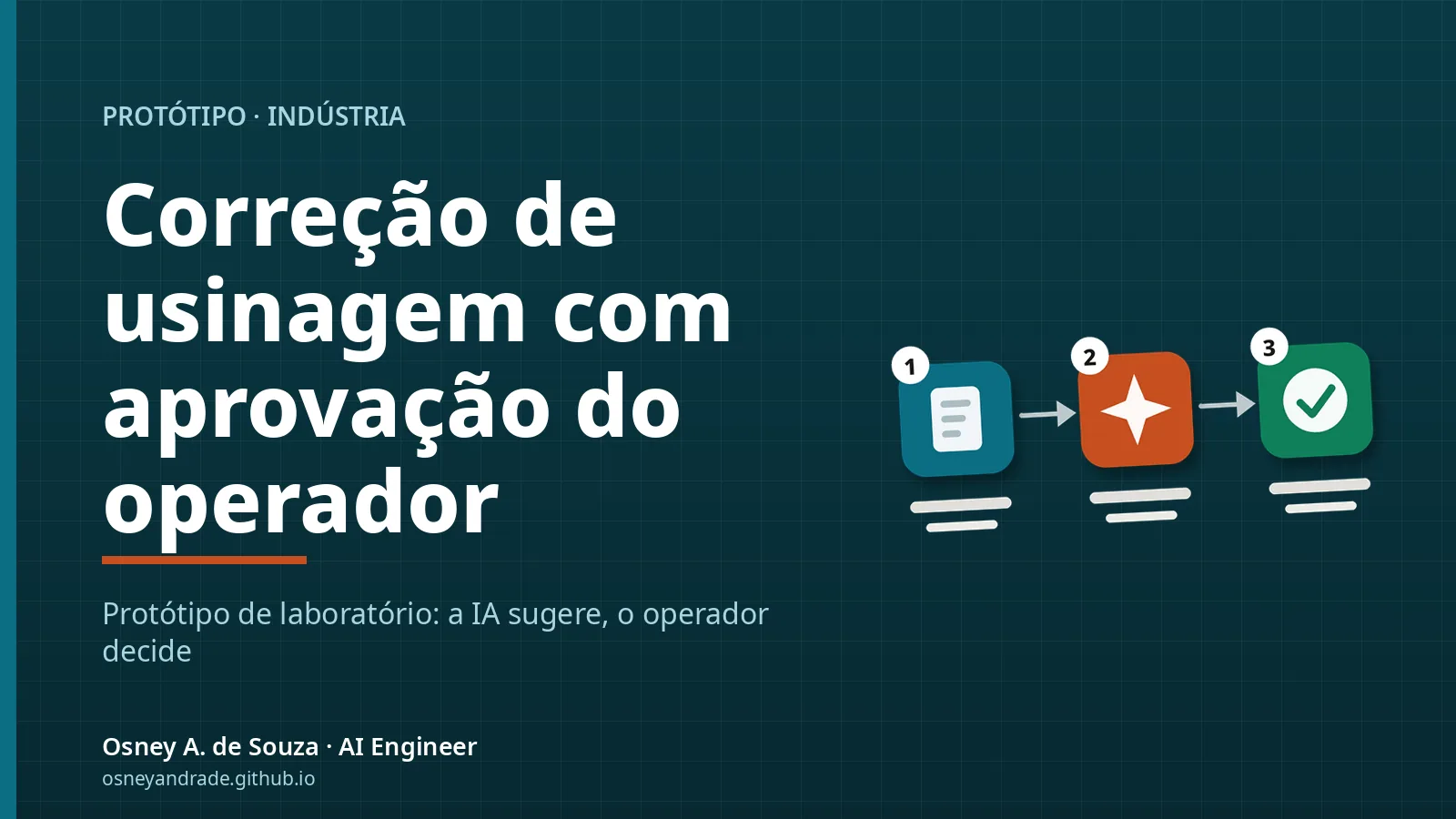
A lab prototype, not yet tested on a real machine: it combines part measurements, tool changes and CNC telemetry to suggest compensation, applied only with operator approval. We're looking for the first partner company for a pilot.
from US$ 1,900